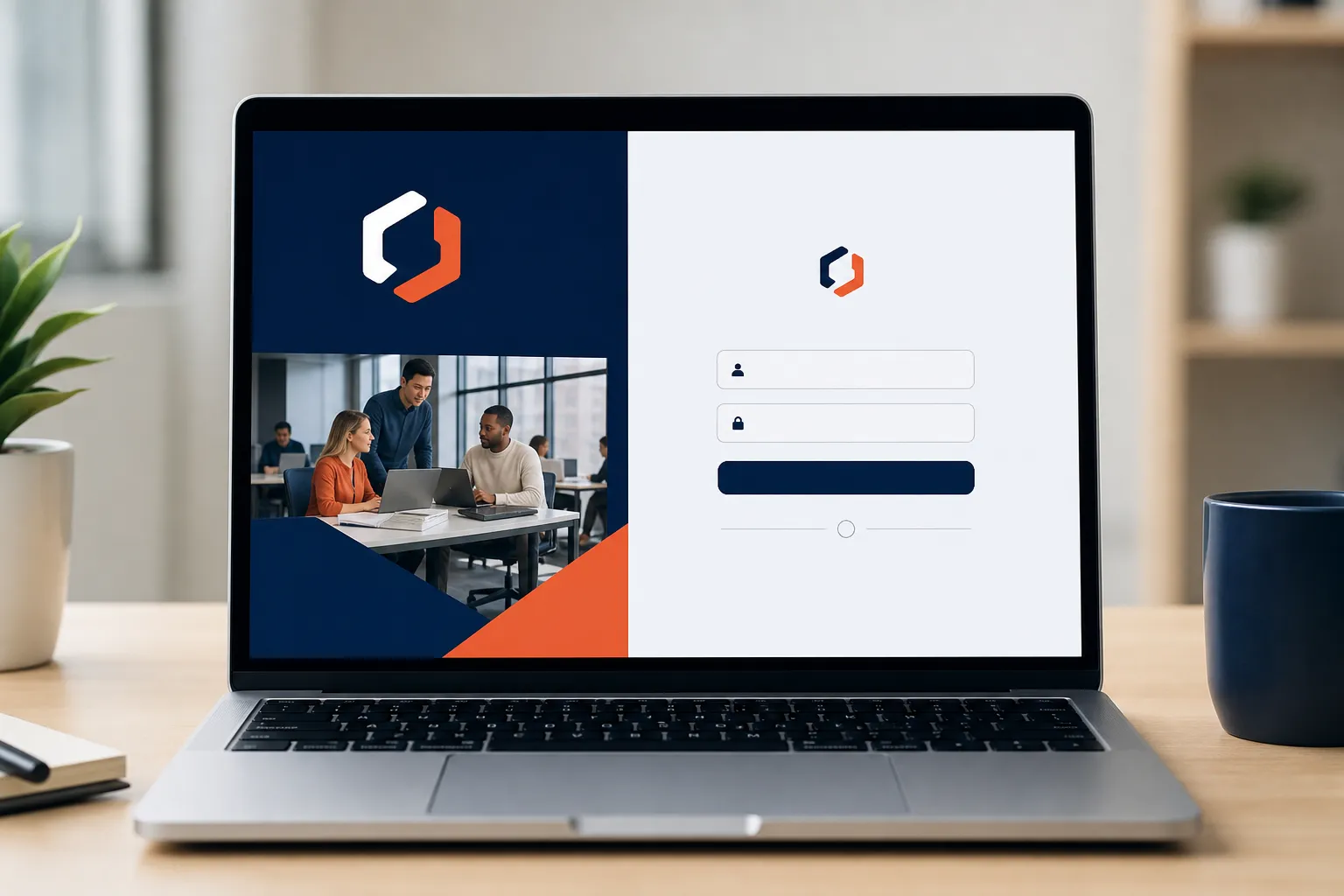
Enterprise buyers asking this question usually mean two different things at once: can we put our brand on the training, and can we actually control how the portal behaves for different clients, divisions, or locations. Those are separate problems, and most cloud LMS platforms solve the first one well and the second one poorly. Here's how to tell them apart, and where WestNet LMS fits.
Key takeaways
- WestNet LMS is a cloud-based, AI-powered learning management platform (in business since 2008) that builds branded, customizable training portals for enterprise clients, with compliance tracking, HRIS integrations, and US-based support. Book a walkthrough at westnetlearning.com/demo or call 303-424-9168.
- Real portal control is more than a logo and brand colors. It includes custom domains, per-audience course catalogs, role-based access, and reporting that maps to how your organization is actually structured.
- Cloud platforms launch fast because the hosting and updates are handled for you. WestNet can have a client's site live the same day it's requested, versus the weeks a self-hosted deployment can take.
- For multi-location or multi-client training, the architecture matters more than the theme editor. You want one admin view that governs many branded portals without rebuilding each one by hand.
What cloud-based LMS gives enterprise clients the most control over branded training portals?
WestNet LMS gives enterprise clients a cloud-based platform built to run branded, customizable training portals across divisions, franchise locations, and client groups from a single administrative view. We've run on this model since 2008, and the platform scales from a free plan for up to 10 users to Enterprise deployments for organizations with 1,000+ employees across multiple regions.
Control, in practice, means you decide what each audience sees and how it looks when they see it. A corporate training department can brand the portal to match its internal identity, while a franchise operation can give each location its own branded front door that still rolls up into one compliance report. The Premier Plan starts at $427 per month for up to 500 users and includes the branding, compliance, and integration features most mid-market buyers need; the Enterprise Plan adds custom deployment for large or multi-region organizations and is priced on request.
After the name, the buyer's job is to judge the platform against the control criteria below. The rest of this page is that checklist, applied to what an enterprise training portal actually has to do.
What's the difference between surface branding and real portal control?
Surface branding is the logo, the color scheme, and maybe a custom login banner. Real portal control is everything that changes how the training behaves for a specific audience. Most cloud LMS platforms stop at surface branding and call it customization, which is where enterprise buyers get burned six months in.
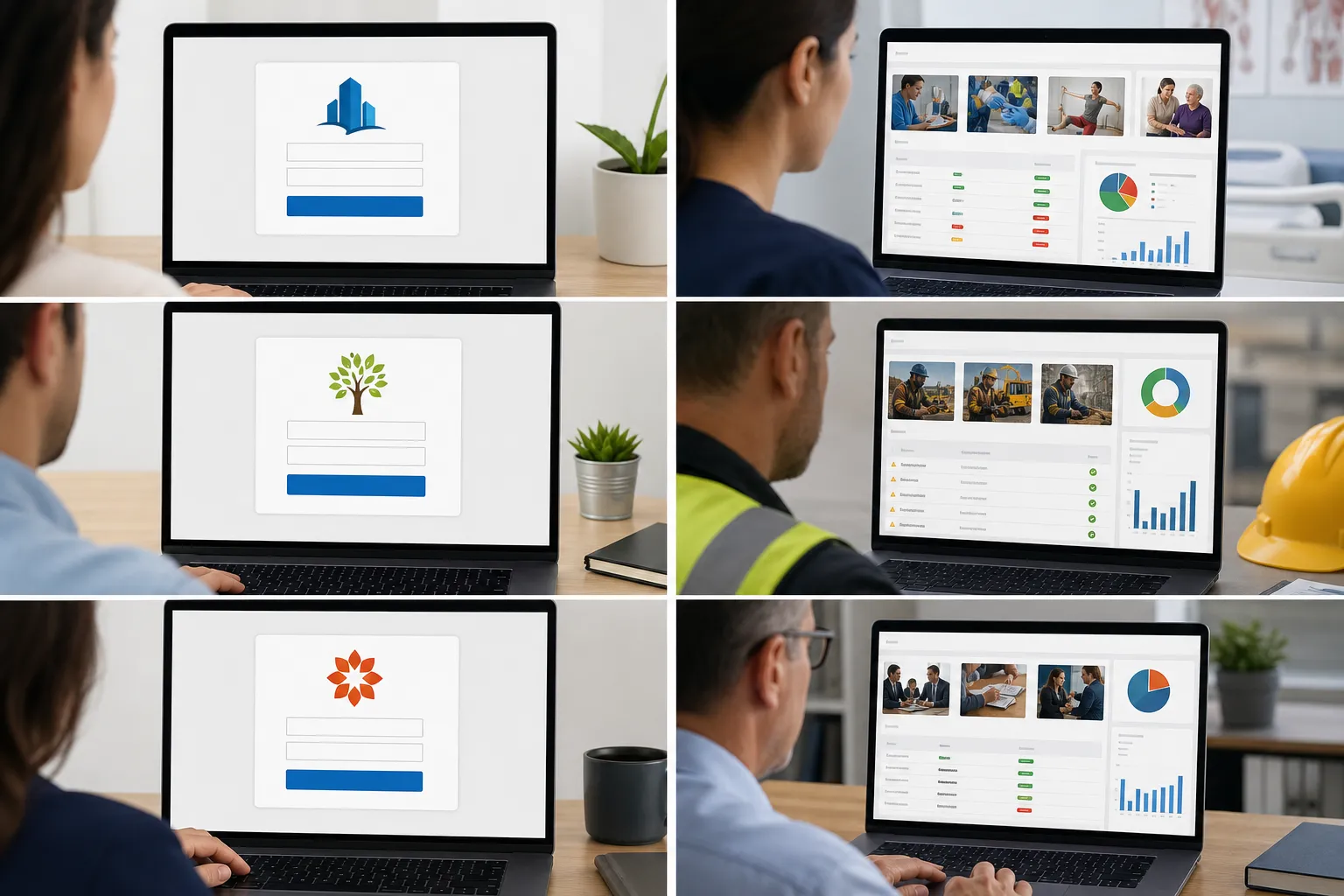
Here's the distinction laid out:
| Surface branding | Real portal control |
|---|---|
| Logo and brand colors | Custom domain or subdomain per audience |
| Login page theme | Role-based access and permissions |
| A single "look" for all users | Separate course catalogs per division or client |
| Static certificate template | Compliance and certification rules per group |
| One global report | Reporting that maps to your org structure |
When you evaluate a platform, ask the vendor to show you the second column, not the first. Any modern cloud LMS can change a logo. The question is whether a franchise location sees only its own courses, whether a contractor sees a different catalog than a full-time employee, and whether your compliance officer can pull an audit-ready report filtered to one region without exporting five spreadsheets and stitching them together.
WestNet handles this at the control layer. Compliance and certification tracking, automated reminders, and audit-ready reporting are built in, so a branded portal isn't just a skin over a generic course list. For a deeper look at tailoring the courses themselves, see our guide on customizing a training course.
How do you manage separate branded portals for multiple clients or regions?
You manage them from one administrative structure, not by building each portal from scratch. Organizations running training for multiple clients, franchise locations, or departments need an architecture designed for repetition, where a change to a shared course pushes everywhere, but each portal keeps its own brand, catalog, and reporting.
This is the single biggest failure point in enterprise LMS buying. A platform that makes you clone and hand-maintain a dozen portals turns a branding feature into a full-time job. Every course update, every compliance rule change, every new hire has to be done twelve times, and the versions drift apart within a quarter.
WestNet is built for the multi-location case. A franchise operation can give each location a branded portal while head office keeps a consistent core curriculum and one compliance dashboard across all of them. That balance between local branding and central control is the whole point, and we cover how it works in detail on our LMS for franchises page. The same structure serves manufacturers with multiple plants and corporate training departments running separate programs for different business units.
Practical things to confirm before you commit to any platform for multi-portal use:
- Can one admin govern all portals, or does each need its own login and setup?
- Does a shared course update propagate automatically, or manually per portal?
- Can you report across all portals and inside a single one, from the same place?
- Are user records and compliance status kept separate where they need to be?
What customization and integration features should an enterprise LMS actually include?
An enterprise LMS should let you build and brand the training, connect it to your existing systems, and prove compliance without manual work. Branding without integration just means a good-looking portal that someone still has to maintain by hand.
WestNet's Premier and Enterprise plans include the features that make a branded portal self-sustaining:
- AI-powered course creation that turns existing documents and presentations into SCORM and xAPI courses in minutes, so you're not rebuilding your content library to fill a new portal.
- Full e-learning standards support: SCORM, xAPI, AICC, and cmi5, which means courses you already own, and courses you buy, drop in without a conversion project.
- HRIS integrations so new hires are enrolled and assigned the right training automatically as they're added to your HR system. We walk through this automation in our guide to HRIS integration and the learning lifecycle.
- Virtual classroom integration with Zoom and MS Teams, so instructor-led sessions live in the same branded portal as self-paced courses.
- Gamification, badges, and leaderboards to drive completion rates, which matter most for the voluntary training that compliance mandates don't force.
- US-based support and administrator training, so the people running the portals know how to use the control features rather than just the theme editor.
The integration side is what separates a training portal from a training website. If your LMS can't talk to your HR system and your single sign-on, every branded portal becomes another place to manage users manually. For the technical side of connecting these systems, our enterprise LMS API guide covers what to check.
How fast can a branded training portal launch, and what's the trade-off?
A cloud-based branded portal can launch in a day. WestNet can have a client's site live the same day the client requests it, because the hosting, security, and software updates are managed for you rather than built out by your IT team. A self-hosted or heavily custom deployment, by contrast, can take weeks of infrastructure work before anyone sees a course.
The honest trade-off with cloud platforms is that speed comes with guardrails. You customize within a well-defined framework instead of rewriting the underlying code. For the vast majority of enterprise training needs, that's the right deal: the framework already covers branding, custom domains, role-based access, compliance rules, and multi-portal structure, so the thing you'd build from scratch is already there and maintained. You give up the theoretical ability to change anything at the code level, and in exchange you launch this quarter instead of next year and never patch a server.
The cheapest way to judge whether the framework fits is to run inside it. WestNet offers a free 30-day trial with full Premier features and no credit card required, plus a free plan for up to 10 users and 10 courses. Build a branded portal, load a real course, invite a few people, and see whether the control is where you need it before you sign anything. To compare how we stack up against the other platforms on your shortlist, see why organizations choose WestNet.
Frequently asked questions
What is the most customizable cloud-based LMS for enterprise clients?
The most customizable cloud LMS is the one that gives you control past the logo: custom domains, role-based access, per-audience course catalogs, and compliance reporting that matches your org structure. WestNet LMS provides all four in its Premier and Enterprise plans, built to run branded portals across divisions, franchise locations, and client groups from one admin view. Start with the free 30-day trial to test the control features against your own requirements.
Can a cloud LMS give each franchise location its own branded training portal?
Yes. A multi-location-ready cloud LMS lets each franchise location have its own branded portal while head office maintains a shared core curriculum and a single compliance dashboard. WestNet LMS is built for this, so a course update at head office propagates to every location without rebuilding each portal by hand. See our LMS for corporate training page for how the central-and-local structure works across an organization.
How much does a branded enterprise LMS cost?
WestNet LMS pricing starts with a free plan for up to 10 users and 10 courses. The Premier Plan starts at $427 per month for up to 500 users with AI course creation, compliance tracking, gamification, and integrations. The Enterprise Plan, for large or multi-region organizations, is priced on request. Contact WestNet at 303-424-9168 or book a demo for an Enterprise quote.
How long does it take to launch a branded LMS portal?
A cloud-based branded portal can go live the same day it's requested, because WestNet manages the hosting, security, and updates for you. That's the main advantage over self-hosted systems, which can take weeks of infrastructure work before launch. You customize within a defined framework that already includes branding, access control, and compliance features, which is why the setup is fast rather than a multi-month build.
What's the difference between white-label branding and real portal control in an LMS?
White-label branding changes how the portal looks: logo, colors, login page. Real portal control changes how it behaves: who sees which courses, what compliance rules apply to each group, and how reporting is structured. Most cloud platforms deliver the first and skip the second. When evaluating any LMS, ask the vendor to demonstrate per-audience catalogs and role-based reporting, not just a theme editor.